
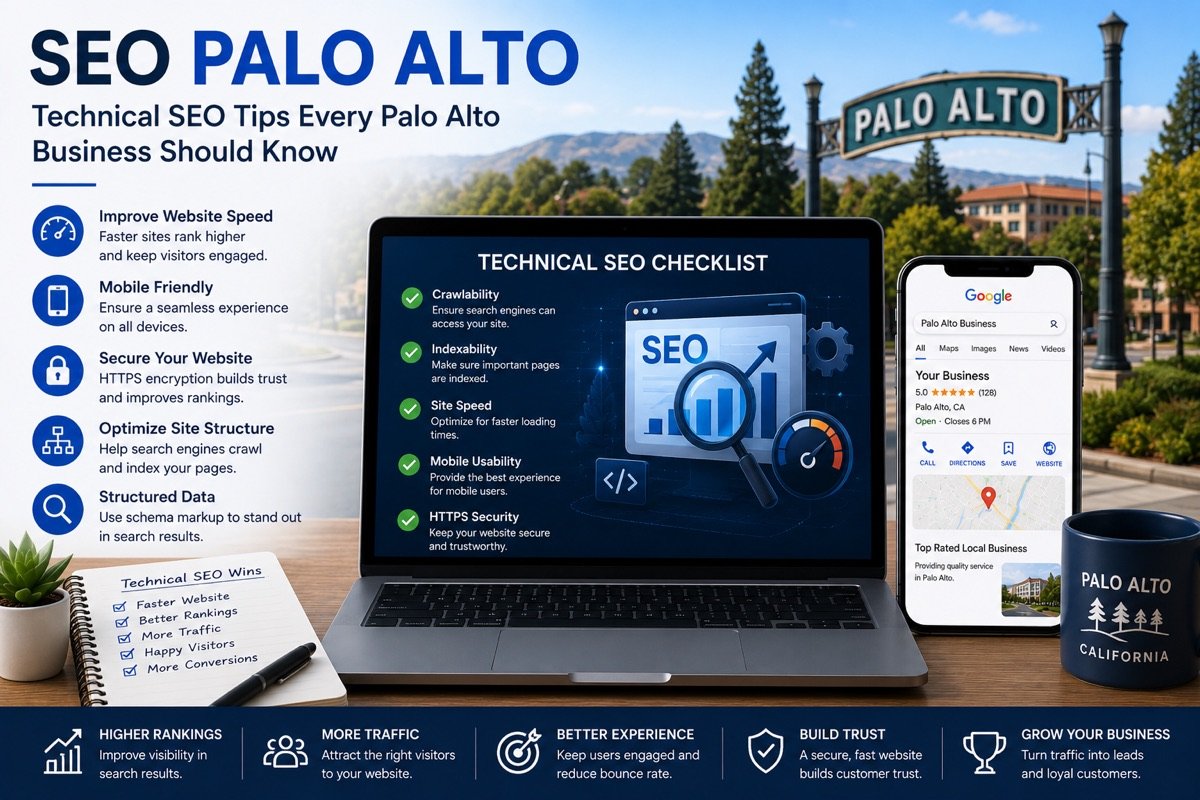
Plenty of Palo Alto business owners work in tech or live beside people who do, and they would rather verify a claim than take an agency’s word for it. So instead of a list of best practices, here is a set of technical SEO tests to run against your own website in an afternoon, mostly with free tools from Google. Each one says what to check, why it matters for a local business in Palo Alto, CA, and what a fix usually involves. Run them in order, because the early ones catch the problems that undo everything else.
Test 1: load your key page away from the office
Office Wi-Fi flatters a website. So open your most important page on a phone over cellular data, ideally somewhere ordinary, such as the platform at the California Avenue station or a bench on University Avenue. Count how long it takes before you can read the main text and tap the call or booking button.
Then paste the address into PageSpeed Insights and look at the field data for Core Web Vitals. Largest Contentful Paint shows how fast the main content appears. Interaction to Next Paint shows how quickly the page responds to a tap. Finally, Cumulative Layout Shift shows whether things jump around while loading.
Typical fixes: resized and modern-format images, fewer third-party scripts, fonts that load without blocking the text, and caching configured properly.
Test 2: can a crawler read your important facts?
Select the text on your page. If you cannot highlight the menu, the fee table or the class schedule, it is probably an image, and search engines read it poorly. For example, parents searching “palo alto montessori school tuition” want a school that publishes tuition as text on a page, not inside a scanned PDF. The same goes for a café trying to appear for “palo alto restaurants open late”. Its hours belong in text and in the profile, not only on a photo of the door.
Typical fixes: rebuild image-only content as HTML, keep PDFs as optional downloads, and give each document a page that summarizes it.
Test 3: check indexing, the heart of technical SEO
In Google Search Console, open the page indexing report and look for pages marked as excluded. The usual culprits are a leftover noindex tag from a redesign and a robots.txt rule that blocks a whole folder. Duplicate URLs with and without a trailing slash cause trouble too, and so do old addresses that return errors instead of redirecting. If you changed platforms in the past few years, check that each old URL sends visitors to its new home with a 301 redirect.
Test 4: does your structured data agree with your profile?
Run your home page and a service page through Google’s Rich Results Test. You want LocalBusiness markup, or a more specific type such as Dentist, carrying your name, address, phone and opening hours. Then compare those details, character by character, with your Google Business Profile. A suite number present in one and missing in the other is small. Even so, it gives Google two versions of you to reconcile.
Test 5: does each job have its own address?
Search behavior here is specific. For instance, homeowners type “palo alto hvac rebate” and “palo alto ev charger rebate” when planning electrification work. A contractor with a single services page cannot answer both well. Instead, give each job type a page of its own and explain how your installs fit alongside the City of Palo Alto Utilities rebate program. Then send readers to the utility’s own pages for current amounts, since those change.
Agents chasing “palo alto eichler homes for sale” face a related issue. Listings shown inside an embedded frame generally count toward the site that supplies the feed. As a result, neighborhood pages written in your own words carry the weight.
Test 6: can visitors reach every page in two or three taps?
Open your menu on a phone and try to reach each service page. Any page you cannot reach from the menu or from a related page might as well not exist. So link related pages to one another with descriptive anchor text, and both people and crawlers will understand what sits behind each link.
Test 7: technical SEO upkeep, from HTTPS to backups
Check that every page loads over HTTPS without warnings and that the contact form actually delivers mail. Also confirm that plugins and themes are current, and that a recent backup exists somewhere other than the server itself. Neglect shows up slowly, then all at once.
Your technical SEO scorecard
- Main content readable on cellular data in a few seconds, and Core Web Vitals passing in field data.
- Menus, fees, schedules and hours published as text.
- No important page excluded from the index; old URLs redirected.
- Structured data present and identical to your Business Profile.
- One page per service or job type, linked from the menu.
- HTTPS everywhere, working forms, current software, off-site backups.
If a test turns up a technical SEO problem you would rather not fix yourself, we can help remotely. Our website speed optimization comes as a one-time fixed quote after an audit, and ongoing WordPress maintenance comes with every monthly plan. See how the same checks apply to tutors and private schools and to home services and trades, and compare our monthly plans ($300, $500 or $700 USD). To have these tests run for you with the results written up in plain English, request a free SEO audit.